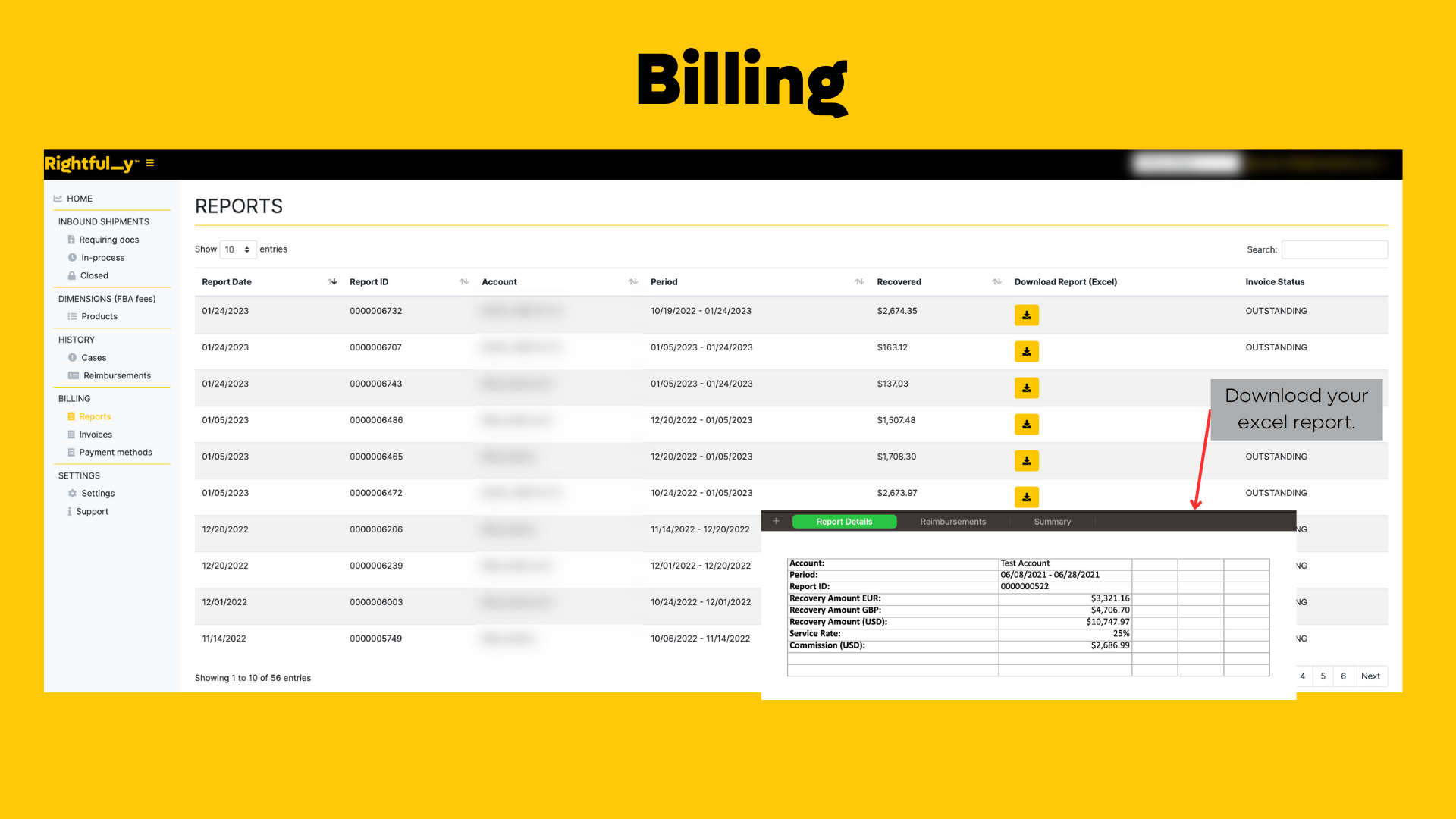
In addition to the report sent to you via email, you can access a comprehensive breakdown of your
reimbursements history directly from your portal.
To access this section of your portal:
- Log in to your account
- Navigate to the Billing Module
- Click on the "Reports" tab
We have attached a screenshot to help guide you to the correct section of your portal.
If you require any further assistance accessing your portal or understanding your reimbursement
breakdown, please don't hesitate to let us know by reaching out to support@rightfully.com.
Was this article helpful?
That’s Great!
Thank you for your feedback
Sorry! We couldn't be helpful
Thank you for your feedback
Feedback sent
We appreciate your effort and will try to fix the article